WhatsApp: the setting you should change as soon as possible if you don't want to fall for a scam
Disabling this WhatsApp feature can help you avoid malicious files and protect your personal information.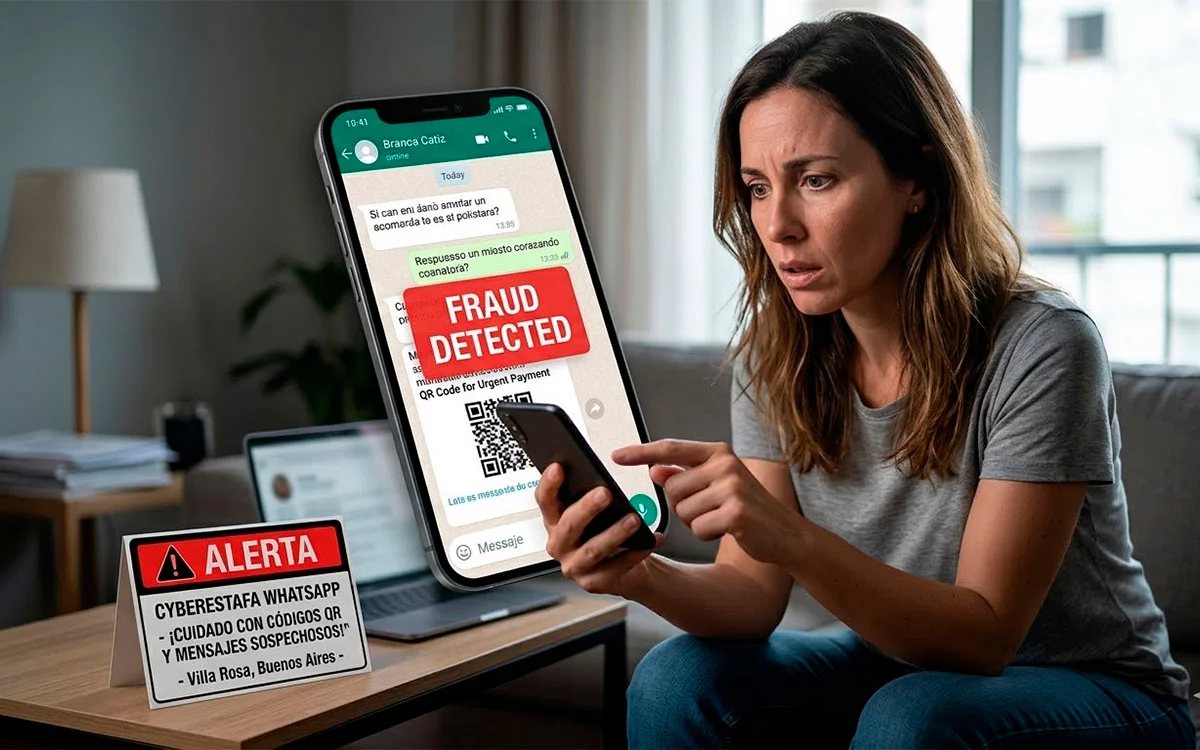
WhatsApp automatic download. This feature that many users keep activated without thinking can become a gateway for digital scams. Although it was designed to facilitate the use of the application, it now represents one of the most vulnerable points in mobile device security.
In an era where personal and financial information circulates constantly through messaging applications, cybercriminals have found new ways to exploit settings that come activated by default.
WhatsApp, one of the most used platforms in the world, has become a frequent target for digital fraud.

Experts warn that many attacks do not require complex techniques but rather rely on deceiving the user or exploiting automatic functions that allow uncontrolled file entry.
The feature that can put your phone at risk
The WhatsApp automatic download allows photos, videos, audios, and documents to be saved directly to the phone without the user having to approve each file.
This feature was designed to streamline the experience within the application.
However, it can also facilitate the entry of malicious content.
If a scammer sends an infected file, it could automatically download to the device without the person noticing.
This can lead to various risks, such as:
- Installation of malicious software
- Password theft
- Access to personal data
- Partial control of the device
The main problem is that the user loses control over which files are stored on their phone.
How scams operate on WhatsApp
Cybercriminals often use misleading messages to convince people to open files or links.
In many cases, these messages may appear legitimate.
Some of the most common strategies include:
- Sending files disguised as invoices or important documents
- Messages that simulate being from banks or recognized companies
- Fake promotions or non-existent prizes
- Urgent requests for personal information
When automatic download is enabled, the file can be stored on the device even before the user suspects the message.
This increases the risk that the content will be opened later.
Why disabling this feature improves security
Disabling the WhatsApp automatic download allows you to regain control over the files that enter the device.
This way, each received content must be manually approved before downloading.
This significantly reduces the possibility of malicious files being installed without the user's knowledge.
Cybersecurity experts consider this setting to be one of the simplest and most effective measures to enhance protection in messaging applications.
How to disable automatic download on iPhone
iPhone users can modify this setting in a few steps.
The process consists of:
- Open WhatsApp
- Go to Settings
- Access Data and Storage
- Configure the automatic download of photos, videos, and audios
It is recommended to select the option “Never” or limit the download only when the device is connected to a WiFi network.
How to disable the feature on Android
On Android devices, the procedure is also straightforward.
The steps are:
- Open WhatsApp
- Tap the three-dot menu
- Go to Settings
- Access Chats
- Disable the visibility of multimedia files
This change prevents received files from being automatically saved in the phone's gallery.
The importance of digital prevention
Although modifying the application settings is essential, security does not solely depend on these adjustments.
The user's behavior also plays a key role.
Some basic recommendations include:
- Do not open files from unknown senders
- Avoid sharing verification codes
- Be wary of urgent or suspicious messages
- Keep the application updated
The combination of good practices and appropriate settings can significantly reduce the risk of being a victim of digital scams.
A simple habit that can make a difference
The WhatsApp automatic download is an example of how a feature designed to facilitate daily life can become a risk if not used correctly.
Reviewing and adjusting the security settings of the phone is a simple measure that can prevent bigger problems.
In an increasingly exposed digital environment to fraud, small changes in everyday technology use can make a big difference in protecting personal information.